If you have spent a week looking down at a laptop, you know the pattern. Neck tight by lunch. Shoulders creeping up. Webcam angle doing you no favors. A laptop stand can fix a lot of that, but only if it is part of a small system.
Quick Answer
Most remote workers should buy a sturdy adjustable aluminum laptop stand and pair it with an external keyboard and mouse. That setup lifts the screen close to eye level while keeping your hands in a normal typing position.
For travel, look at portable foldable stands that actually lift the screen, not just low wedges. For permanent desks, stability matters more than portability. For small desks with an external monitor, a vertical stand may be the cleaner move.
- Raise the screen until the top third sits near eye level.
- Use an external keyboard and mouse for any long work session.
- Choose stability for a fixed desk and portability for travel.
- Do not use a tall laptop stand as your typing surface.
TL;DR: Best Laptop Stand Picks by Setup
Adjustable aluminum stand
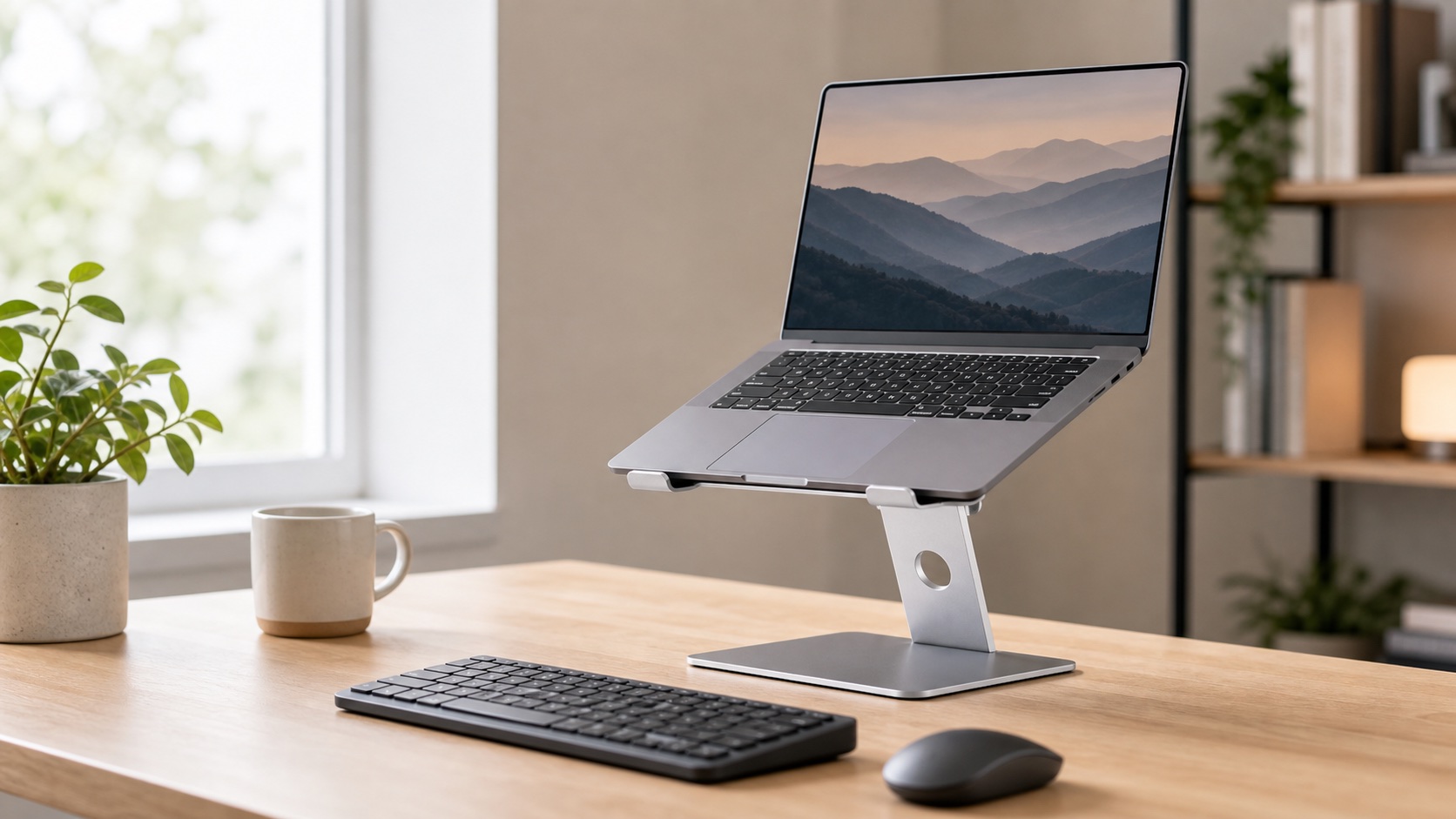
Best for most remote workers because it lets you tune screen height to your chair and desk.
Do not skip the external keyboard and mouse.
Shop adjustable standsPortable foldable stand
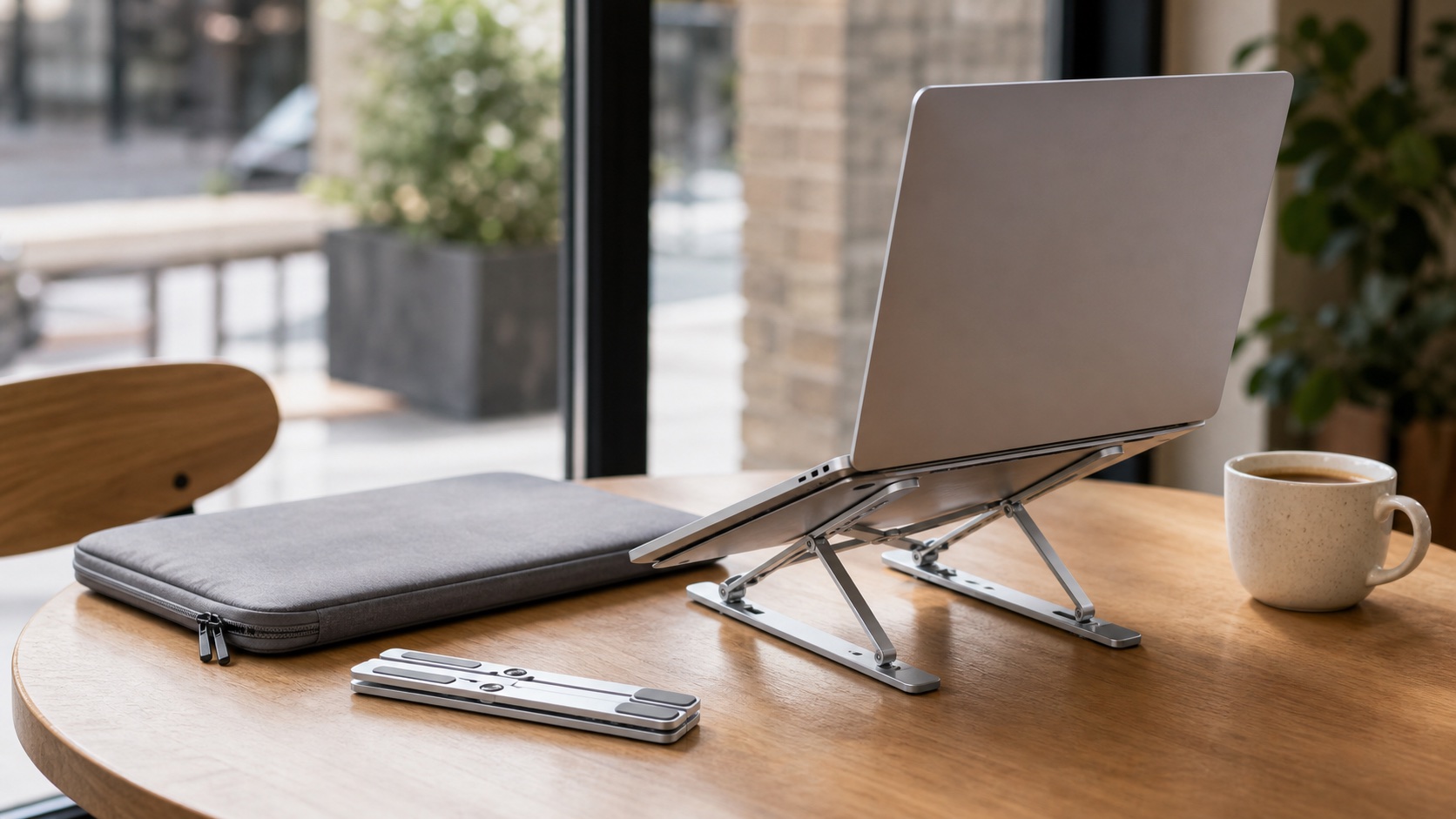
Folds into a bag and makes cafes, coworking spaces, and hotel desks less brutal.
Avoid low wedges if neck pain is the real issue.
Shop portable standsFixed aluminum riser
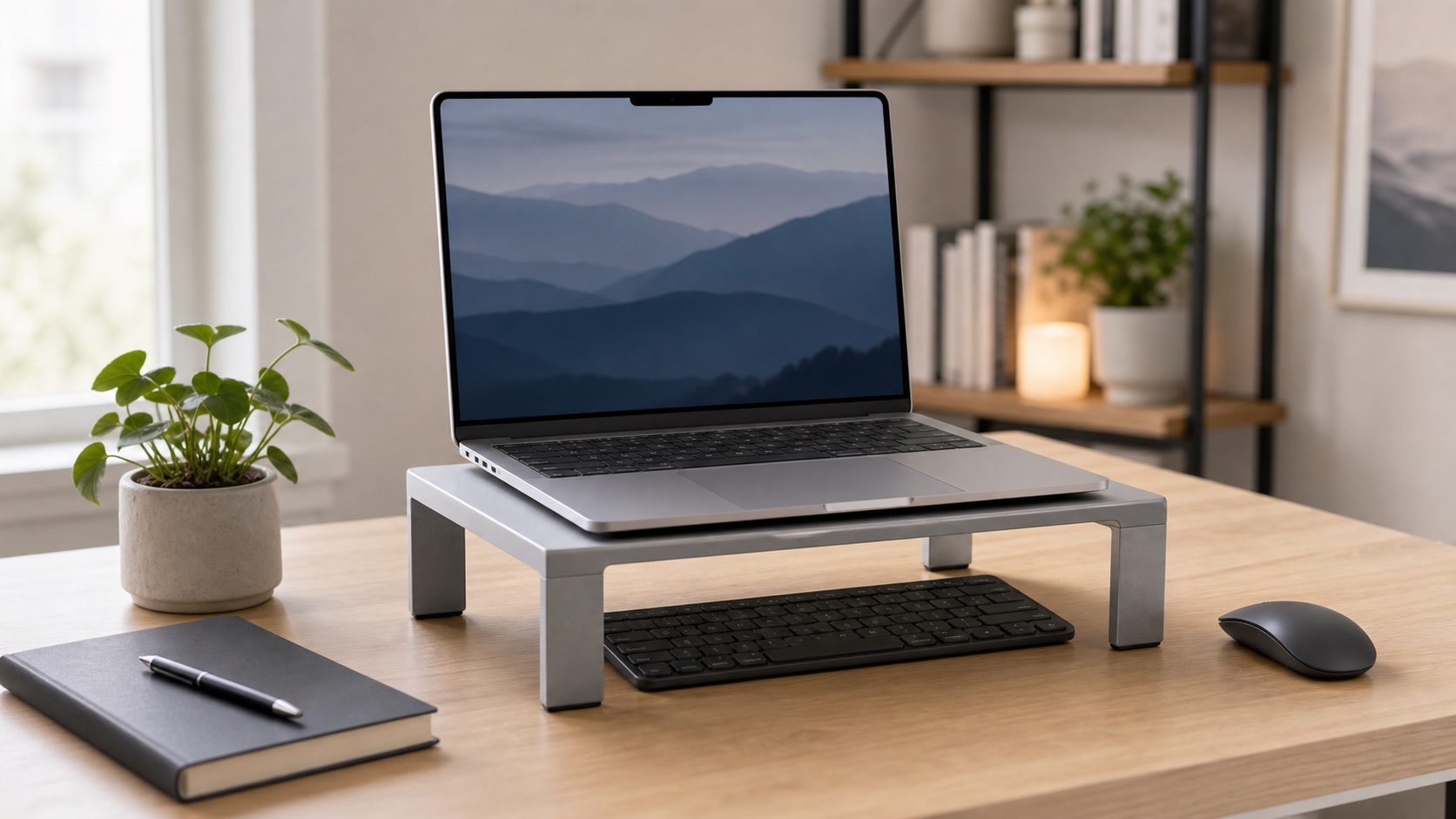
Simple, clean, and steady for a desk where chair and desk height rarely change.
Test the height with books before buying fixed height.
Shop desk risersVertical laptop stand
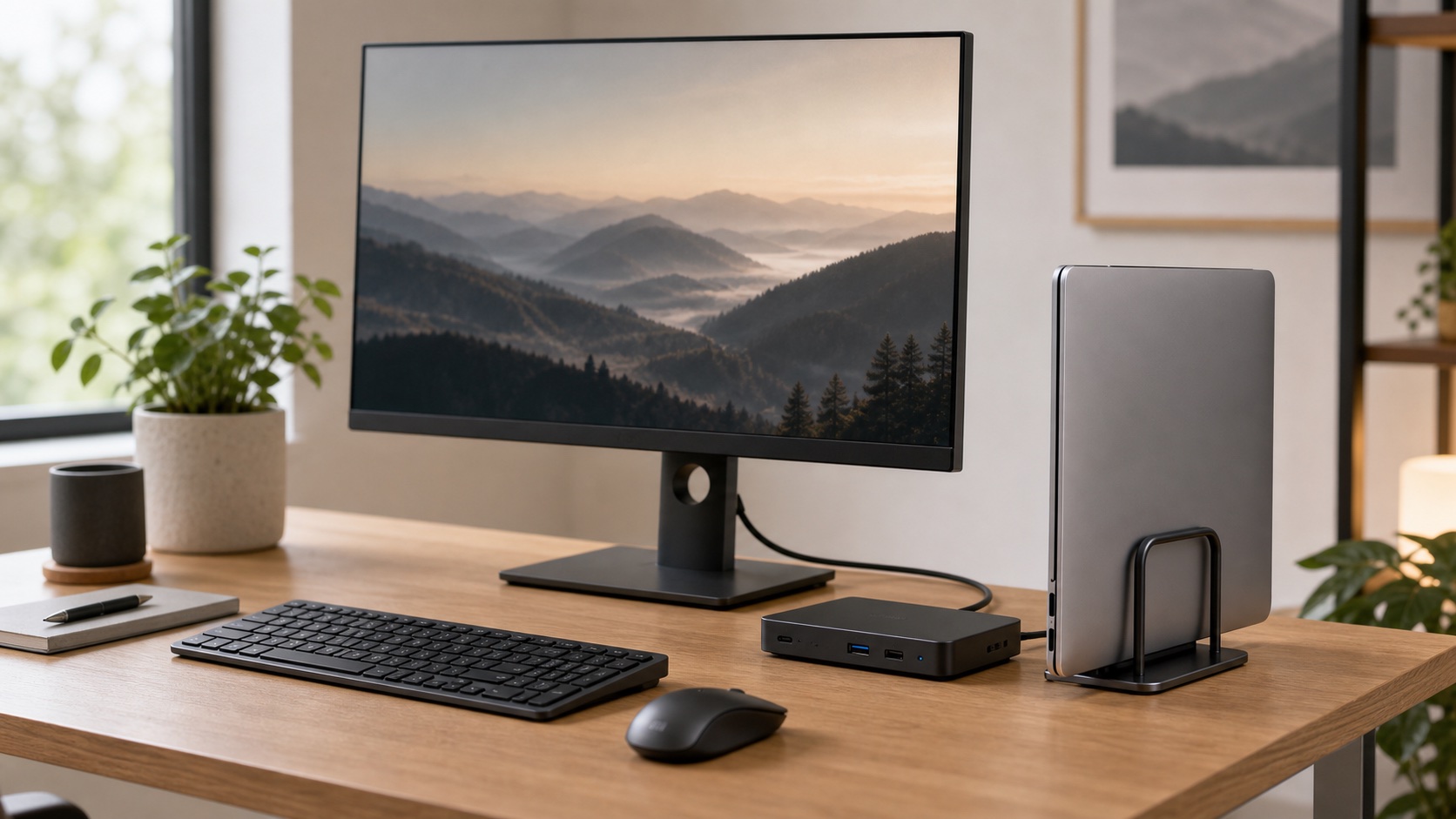
Stores a closed laptop like a slim desktop tower when an external monitor is the main screen.
Not useful if you still need the laptop display open.
Shop vertical standsEye-level adjustable stand
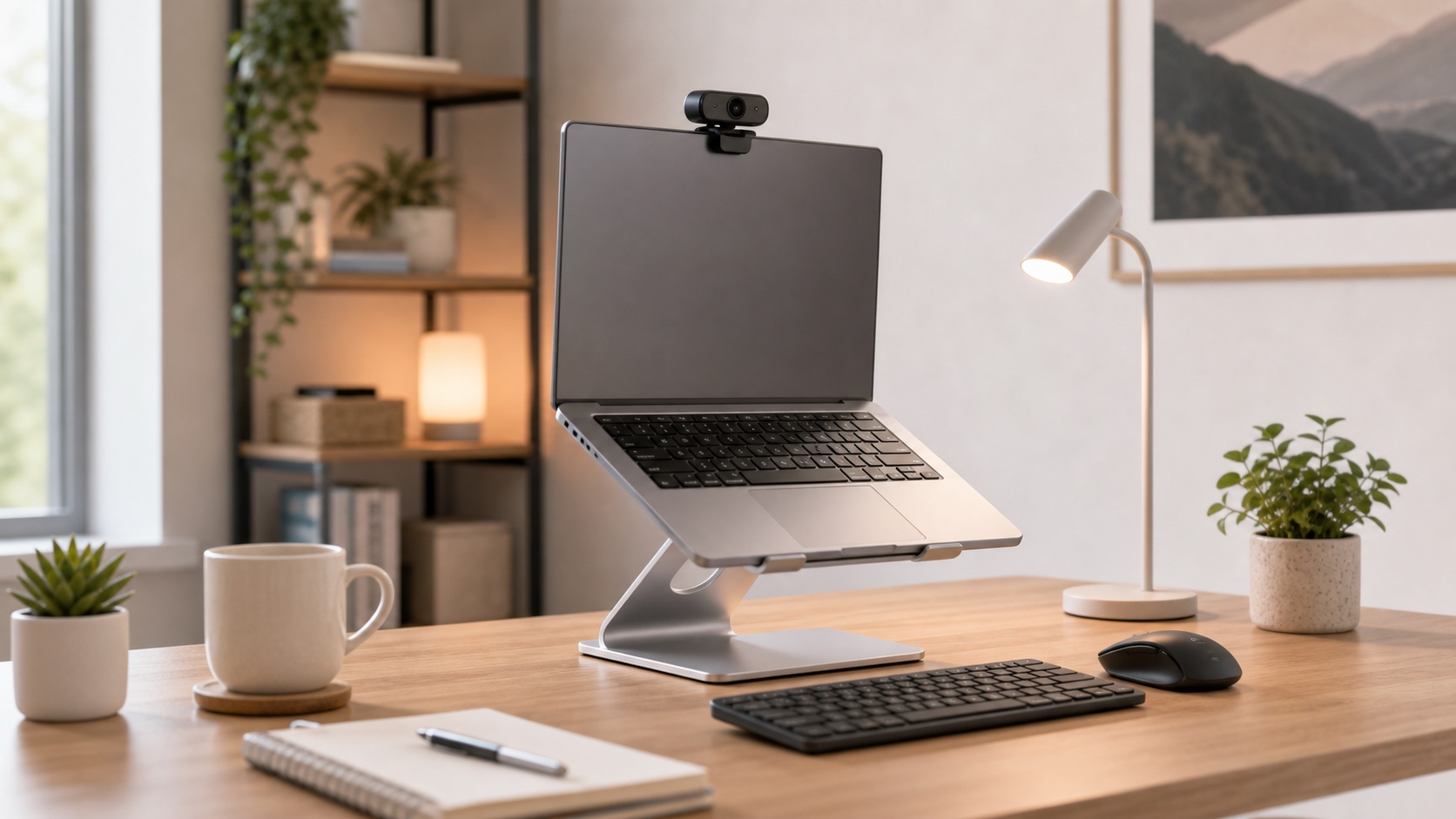
Raises the laptop webcam to a better angle without needing a separate camera first.
The typing posture still has to work after the call starts.
Shop call-friendly standsCooling stand for office work
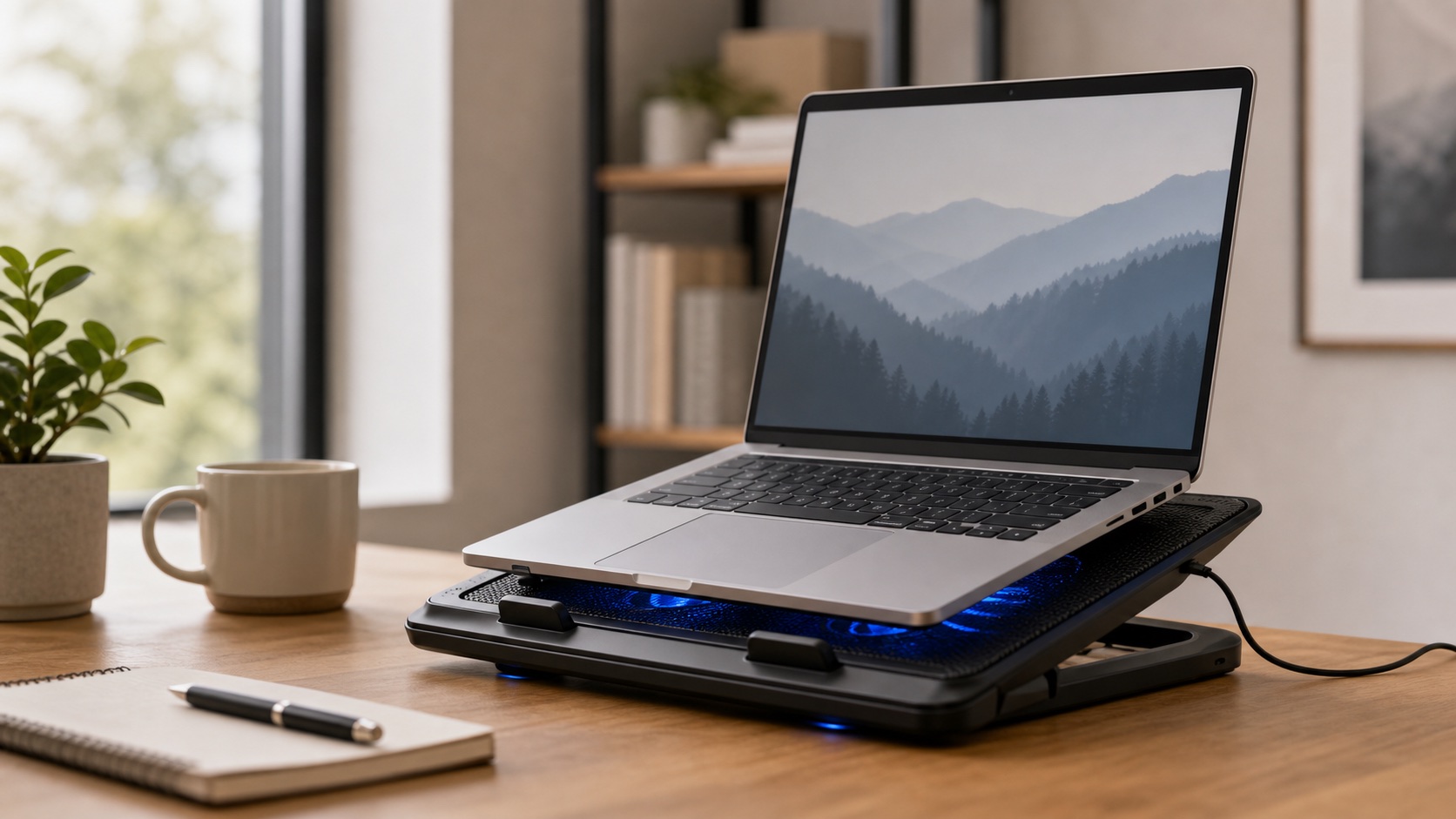
Useful for hot laptops under load, but rarely the right answer for neck strain.
Buy cooling because your laptop runs hot, not because the listing says ergonomic.
The Simple Workstation Formula
Think in positions, not products. Your screen should move up, your hands should stay down, and your shoulders should have no reason to climb toward your ears.
Raise the screen
The top third of the laptop screen should sit near eye level when you are seated upright.
Separate the keyboard
Once the laptop is raised, the built-in keyboard is no longer in the right place.
Keep the mouse close
A mouse that lives near the keyboard keeps your shoulder from reaching forward all day.

Run the Stack-of-Books Test
Before buying a fixed-height stand, stack books until the laptop screen feels right for one workday. If your neck relaxes but your hands feel wrong, that is the signal to add the keyboard and mouse before judging the stand.
Screen: top third near eye level, not chin-level.
Hands: keyboard and mouse at desk height.
Shoulders: relaxed, not lifted toward your ears.
Which Setup Are You?
You work from one screen
Start cheap: test height first, then buy the stand plus input gear together.
Keyboard + mouseYou already separated your hands
Now raise the screen so the setup finally makes sense.
Monitor setupThe laptop is crowding the desk
Use a slim stand for a second screen or a vertical stand for closed-lid mode.
TravelYou work from cafes and hotels
Portability matters only if the stand still reaches useful height.
Laptop Stand Comparison
| Category | Best for | Portability | Stability | Main caveat | Priority |
|---|---|---|---|---|---|
| Adjustable aluminum stand | Most remote workers | Medium | Medium to high | Cheap hinges wobble | Buy first |
| Portable foldable stand | Travel and coworking | High | Medium | Some are too low | Buy first for travel |
| Fixed aluminum riser | Permanent desks | Low | High | One height only | Great after testing |
| Vertical laptop stand | External monitor setups | Low | High | Needs closed-lid workflow | Situational |
| Cooling stand | Hot laptops under load | Medium | Medium | Fan noise, low height | Specialist |
Product Categories
Adjustable-Height Laptop Stands
An adjustable stand is the safest category if you are not sure what height you need. It lets you tune the screen to your chair, desk, and torso instead of hoping a fixed riser matches your body.
Shop wide-base adjustable standsPortable Foldable Laptop Stands
Portable stands are for people who actually move. Good ones fold flat, lift the laptop high enough to matter, and still feel stable on a cafe table or hotel desk.
Shop foldable standsFixed Aluminum Laptop Risers
Fixed risers are boring in a good way. No hinges, no daily adjustment, no fiddling. If the height fits, they are one of the cleanest permanent desk options.
Shop fixed risersVertical Laptop Stands
A vertical stand is not a screen-height fix. It is a desk-space fix. Use it when your external monitor is the real screen and the laptop can run closed on the side.
Shop vertical standsCooling Laptop Stands
Cooling stands make sense when the laptop genuinely runs hot during sustained work. They are not the default ergonomic answer, and many sit too low to fix posture.
Shop cooling standsSetup Recommendations
Test first, then buy the kit
Stack books for a day to find the right screen height. If it works, buy the stand plus a basic external keyboard and mouse together.
Raise the screen now
You already have the hard part. Add an adjustable stand and tune it until the screen is comfortable.
Decide open or closed
If the laptop is a second screen, use a slim stand. If the monitor is your only screen, a vertical stand can free the desk.
Pack small, set up fast
Choose a foldable stand with enough height, then pair it with a compact keyboard and mouse that you will actually carry.
Laptop Stand vs External Monitor
Buy a laptop stand when the main problem is screen height. Buy an external monitor when the main problem is screen space. Those sound similar when you are tired and annoyed, but they lead to different purchases.
Plenty of home offices eventually use both: the monitor becomes the main screen, and the laptop stand keeps the laptop useful as a second display.
What To Skip First
- A tall stand without an external keyboard and mouse. It can trade neck strain for wrist and shoulder strain.
- Ultra-cheap adjustable stands that wobble. Stability matters more than feature count.
- Cooling pads for normal office work. Buy one only when heat is a real problem.
- Monitor-arm laptop trays as a first stand. They are specialist tools with clamp, weight, and wobble tradeoffs.
- Anything labeled ergonomic without a real height range. Marketing copy is not posture.
Ergonomics Reality Check
Persistent pain is not a single-product problem. A stand can help screen height, but chair height, desk height, monitor distance, keyboard placement, and breaks all matter. If discomfort persists, treat it as a workstation and health issue, not a shopping list.
FAQ
Is a laptop stand worth it for remote work?
Yes for most remote workers, as long as it is paired with an external keyboard and mouse. The screen goes up, but your hands should stay at desk height.
What is the best laptop stand for working from home?
A sturdy adjustable aluminum stand is the safest first buy for most people. A fixed riser is cleaner if you already know the right height.
Do I need an external keyboard with a laptop stand?
For meaningful screen lift, yes. Typing on a raised laptop is usually the mistake that makes stands feel worse than they should.
Is a portable laptop stand good enough?
For travel and coworking, yes, if it actually reaches useful height. Pack it with a compact keyboard and mouse or you will not use it correctly.
Is a laptop stand better than an external monitor?
No, it is different. A stand fixes screen height. A monitor fixes screen size and workspace.
What should I buy first on a budget?
Test the height with books, then buy a mid-tier adjustable stand and a budget wireless keyboard and mouse.
Final Verdict
- Best default setup: adjustable aluminum laptop stand plus external keyboard and mouse.
- Best portable setup: foldable travel stand plus compact input gear.
- Best permanent desk setup: fixed aluminum riser after you test the height.
- Best small-desk setup: vertical stand only if an external monitor is your main screen.
A laptop stand is one of the highest-value remote-work upgrades when you buy it as part of a system. Screen up, hands down, shoulders quiet.