Reddit threads about stipends and home-office upgrades repeat the same lesson: ergonomics first, aesthetics last. The best upgrade is the one that removes friction you feel every workday.
Quick Answer
The best work-from-home setup under $500 depends on the bottleneck. Laptop-only workers should start with a laptop stand, external keyboard, and mouse. People in bad chairs should fix seating first. Screen-heavy workers should add a monitor. Call-heavy workers should improve lighting and audio.
Do not buy everything at once. Fix pain first, then screen height, then input position, then lighting and cables once the layout is stable.
- Fix the pain you feel at 4 PM.
- Raise the screen and separate keyboard/mouse.
- Improve seating or foot support if your body complains.
- Fix lighting and audio before buying a fancy webcam.
- Clean up cables after the layout stops moving.
TL;DR: Best Upgrades Under $500
Stand + keyboard + mouse
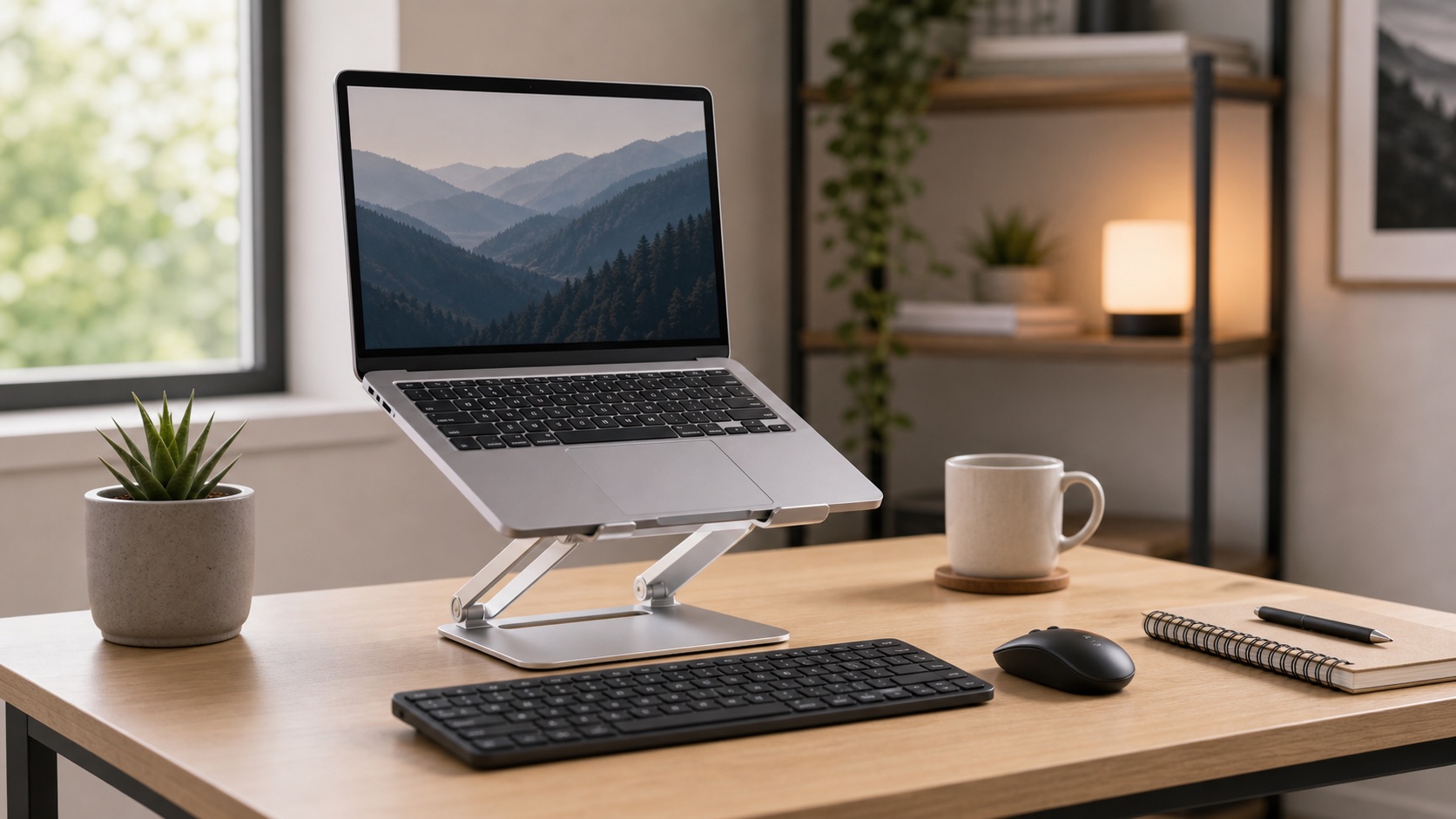
The cheapest way to stop laptop hunch and bad typing posture.
The stand alone is not enough.
Shop laptop setup kit24-inch or 27-inch monitor
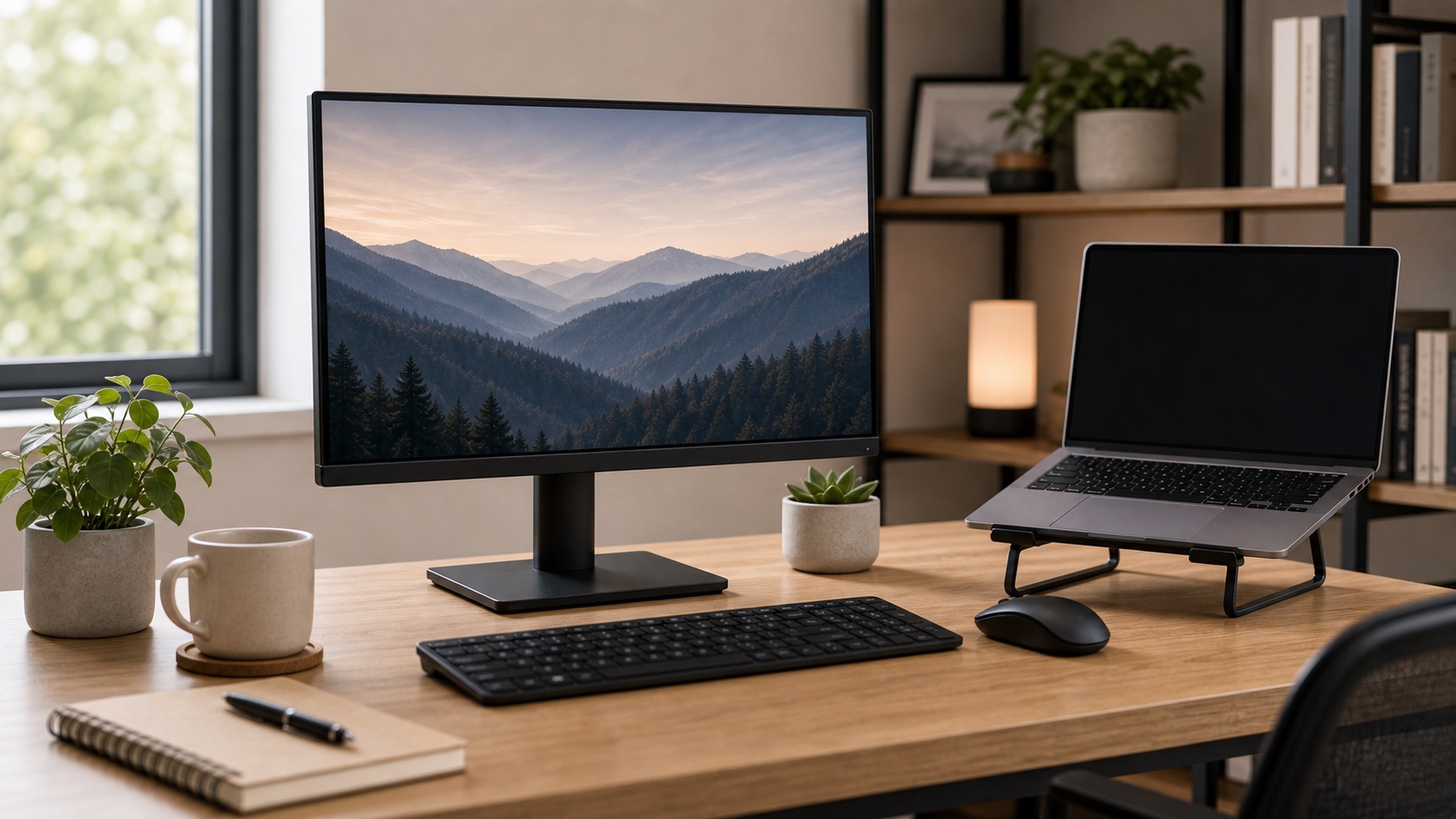
Highest-impact upgrade for spreadsheets, code, research, and multi-window work.
Choose size based on desk depth.
Shop budget monitorsChair or chair fix
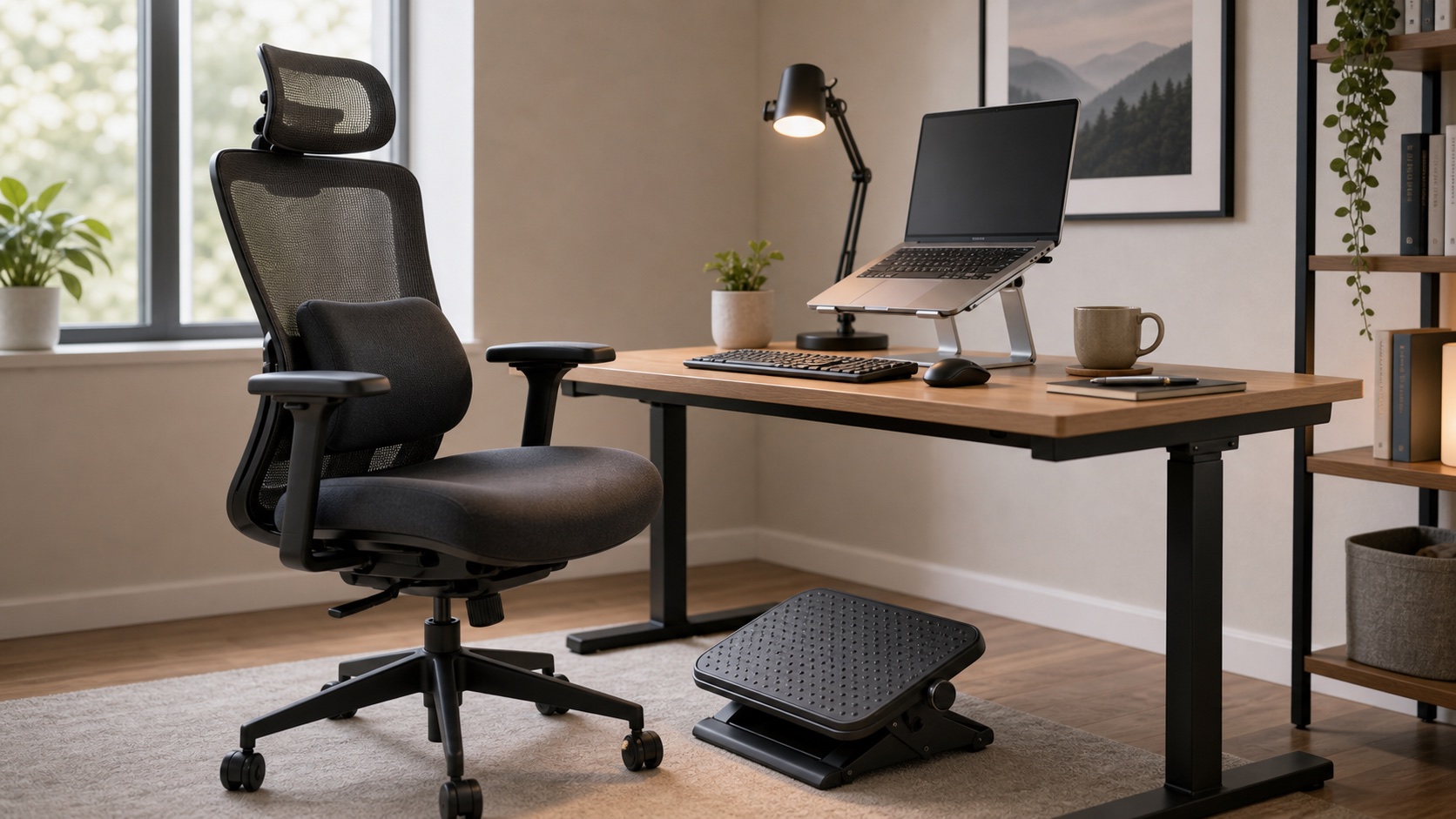
A real chair, lumbar support, or footrest beats most accessories if sitting hurts.
Used chairs need fit and condition checks.
Shop chair optionsDesk lamp + headset
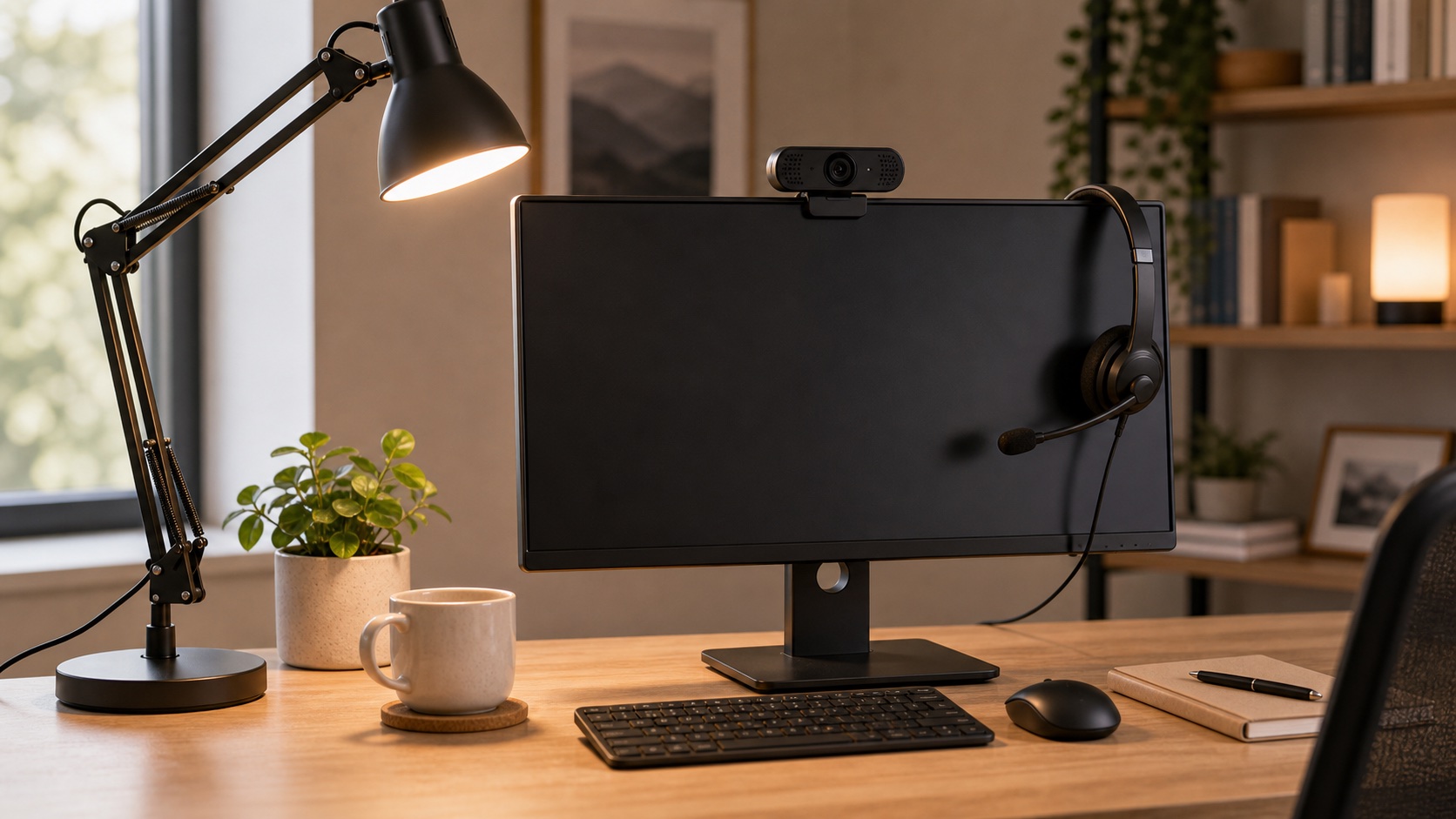
Lighting and audio improve meetings more reliably than a 4K webcam first.
Try window-side seating before buying lights.
Shop call upgradesUSB-C hub or dock
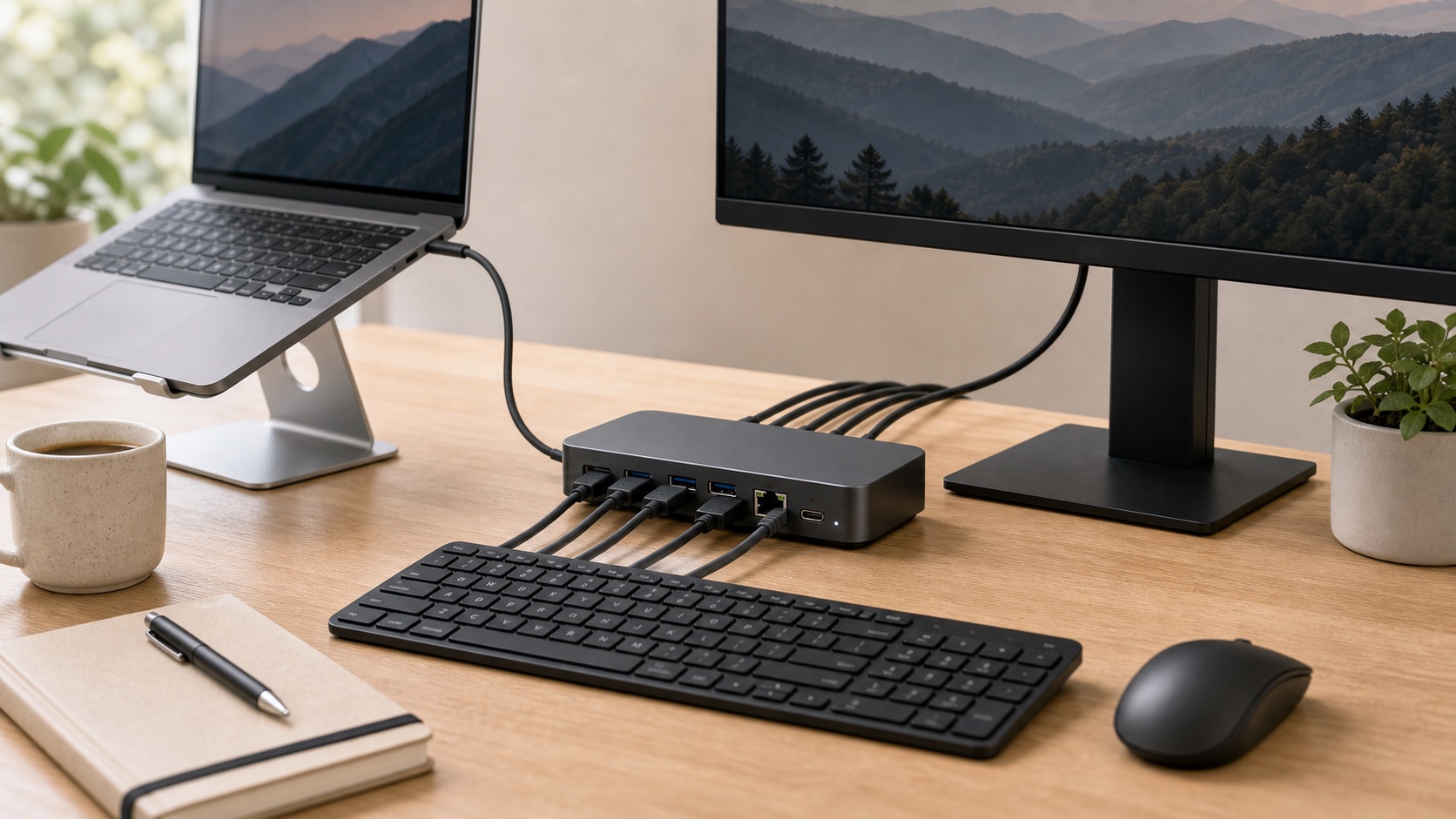
Worth it once the monitor, keyboard, mouse, and laptop position are settled.
Verify power and display support before buying.
Shop USB-C docksAesthetic accessories

Desk mats, RGB strips, and novelty organizers feel fun but rarely fix the workday.
Buy them after the setup already works.
Spend by Budget Level
Under $100
Fix laptop posture with a basic stand, wired keyboard, wired mouse, and a lamp you can aim at your face.
Under $250
Add either a monitor or a meaningful chair fix. Pick the one that matches your worst daily friction.
Under $500
Choose one big win, then support it: used premium chair, or monitor plus stand, inputs, lamp, and cable basics.
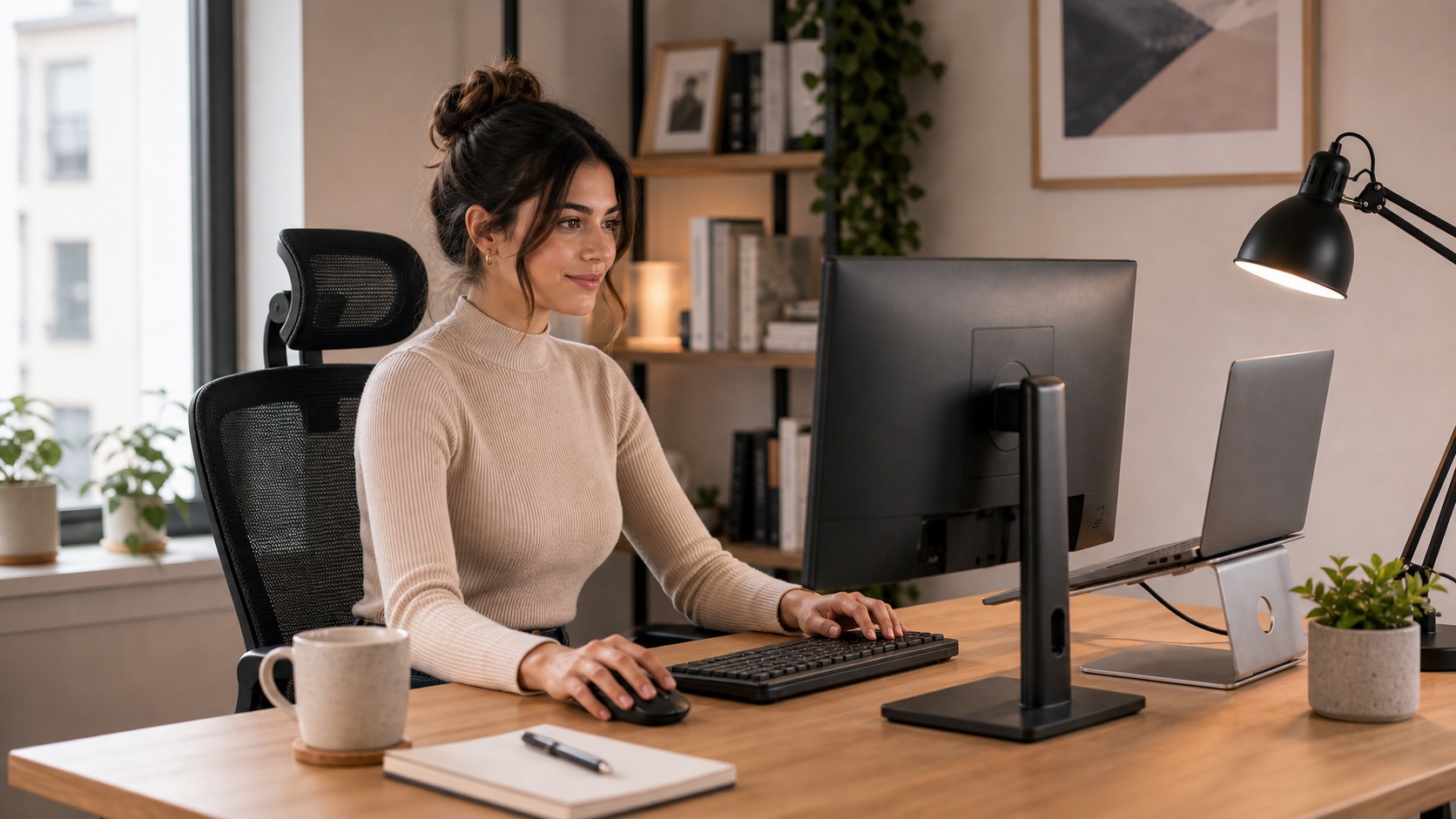
Buy The Fix, Not The Vibe
If a purchase does not improve screen position, seating, typing, calls, or daily setup friction, it is probably not a first-round budget item.
Neck: raise the screen before buying desk decor.
Back: chair comfort outranks accessories.
Calls: light and audio beat webcam specs first.
Upgrade Comparison
| Upgrade | Best for | Pain solved | Priority | Main caveat | Buy now or later |
|---|---|---|---|---|---|
| Laptop stand + keyboard/mouse | Laptop-only workers | Neck and shoulder strain | High | Needs all three pieces | Now |
| External monitor | Screen-heavy work | Cramped workspace | High | Desk depth matters | Now if screen space hurts |
| Chair or chair fix | Sitting pain | Back, hip, leg fatigue | Highest if chair is bad | Fit is personal | Now if body hurts |
| Lighting and audio | Frequent calls | Dark image and poor sound | Medium | Placement matters | After posture basics |
| Cable management | Finished layouts | Clutter and snags | Low early, high later | Do it after layout is stable | Later |
Best Upgrade Paths
Laptop Stand + Keyboard + Mouse
This is the highest-leverage starter kit for anyone typing directly on a low laptop. The stand lifts the screen, and the keyboard and mouse keep your hands where they belong.
Shop laptop kitsBudget External Monitor
If your real frustration is tiny windows, spreadsheets, code reviews, or constant app switching, a monitor can change the whole day. Pick size and resolution based on desk depth and text clarity.
Shop budget monitorsChair, Lumbar Support, or Footrest
If you hurt from sitting, the setup is telling you where to spend. A used premium chair can be a great move, but a lumbar cushion or footrest can also help when the budget is tight.
Shop chair fixesLighting and Audio
For call-heavy workers, a lamp aimed correctly and a headset can improve how you show up more than a premium webcam. Fix light direction first, then compare the practical picks in our webcam guide for work-from-home calls.
Shop lighting basicsWhat To Skip First
- Aesthetic desk mats before posture. Nice later, not first.
- RGB strips and novelty decor. They do not fix pain or workflow.
- 4K webcams before lighting. A dark room stays dark.
- All-in-one accessory kits. You usually end up replacing half the pieces.
- Cable management too early. Route cables after you know the final layout.
Budget Reality Check
A $500 setup can feel excellent if it solves one or two real problems. It feels wasteful when it buys a little bit of everything. Pick the bottleneck, fix it properly, then build the next layer.
FAQ
What should I buy first for a work-from-home setup under $500?
Buy the thing that fixes your worst daily pain: laptop kit for neck strain, chair fix for back pain, monitor for screen-space pain, lighting/audio for call pain.
Can I build a good WFH setup under $100?
Yes, if you focus on a laptop stand, basic keyboard and mouse, and repositioned lighting. It will not be fancy, but it can fix the biggest posture mistake.
Is a monitor worth it on a budget?
Yes if your work involves spreadsheets, code, research, writing, or multi-window workflows. If your body hurts from sitting, fix the chair first.
Should cable management be part of the first budget?
Only lightly. Use a few reusable ties early, then do the real cable cleanup after the monitor, dock, and desk layout are settled.
Final Verdict
The best work-from-home setup under $500 is not a universal shopping cart. It is a sequence: fix the thing that hurts, raise the screen, separate the keyboard and mouse, make calls look and sound decent, then clean up the desk.